Free
0 USD
- Up to 50 products
- 1 warehouse
- 1 user
- Every feature and report
Qees business tools › Inventory & procurement
Your stock under control, your purchasing based on numbers. Inventory software for shops and small and medium businesses, on phone and computer, in English and Arabic.
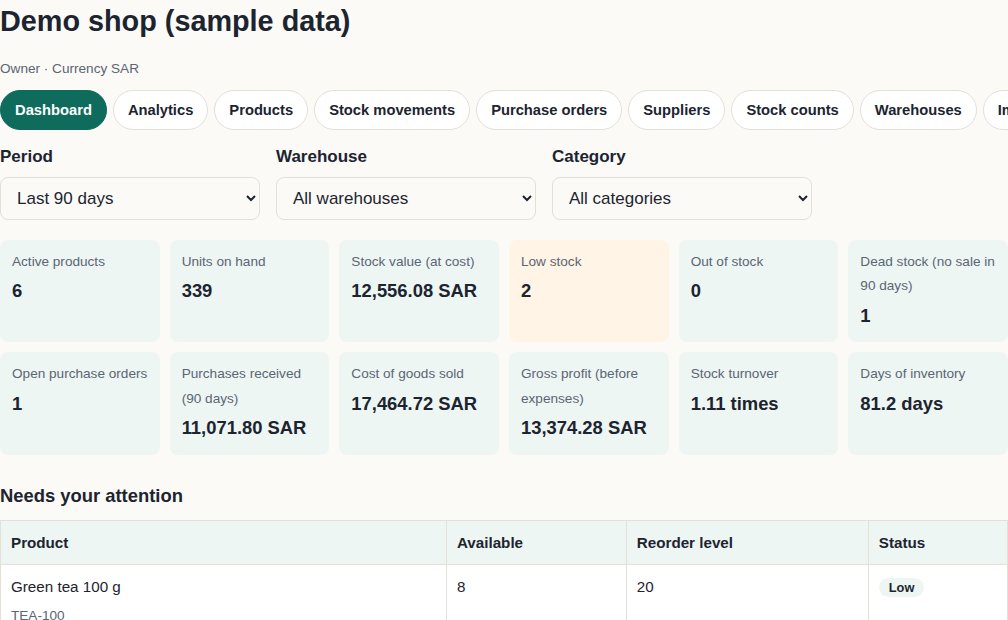
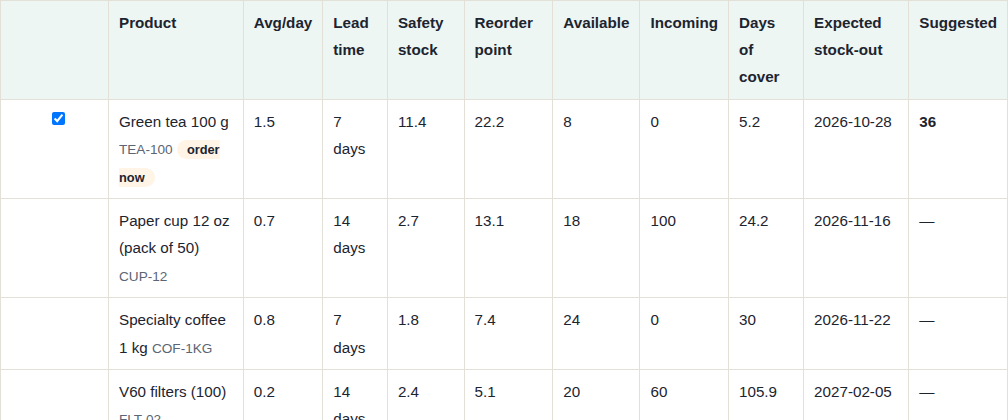
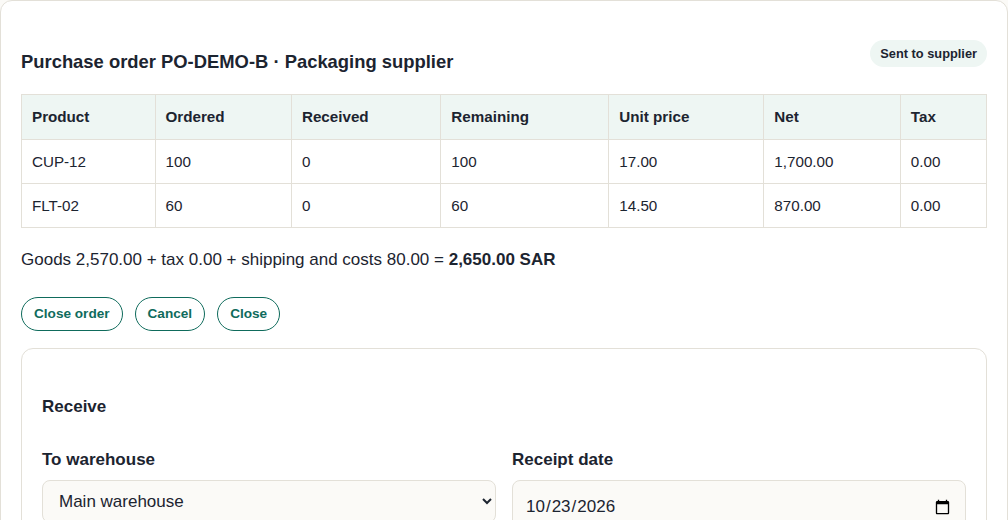
Screenshots of the real app with sample data.
Products with variants (size and colour), a unique SKU, barcodes, and several warehouses with transfers between them.
Every sale, issue, return, damage, adjustment, transfer and reservation is logged with its date, user and reason, and the balance always equals the sum of the movements.
Full, cycle or spot counts, blind counting, differences with their value, and approval by an authorised person.
Reorder point, economic order quantity (EOQ), ABC analysis, dead stock, demand forecasts and a purchase scenario simulator.
11 reports as real Excel files with live formulas, and PDF printing.
Owner, inventory manager, purchasing, sales and view only. Roles are enforced on the server.
We do not promise specific savings: the benefit comes from knowing what you have and when to order, instead of guessing.
A separate monthly or yearly subscription, with every feature in every plan. Plans differ in the number of products, warehouses and users.
Pay once, renew by choice. You pay for a month or a year on the secure payment page, and your plan is active as soon as the payment is confirmed. Nothing renews automatically: we remind you before the period ends, and renewing is up to you.
0 USD
For small shops
15 USD / month
Two months free when you pay yearly
35 USD / month
Two months free when you pay yearly
Prices in US dollars. Separate from Qees Cash Flow and from the Excel models.
No. It manages stock and purchasing: quantities, costs, purchase orders, stock counts and analytics. It values stock at weighted average cost and shows gross profit, but it does not replace your accountant or your official books.
Yes. It runs in the browser on phones and computers with nothing to install, and your data is saved in your account on Qees servers.
No. Each company’s data is kept apart from every other, and only the people you add to your team can reach it, with the role you choose.
Yes. Download the template, or upload an Excel or CSV file directly. The app checks the file and shows errors by row before anything is saved, and uploading the same file twice does not double your balances.
No. It suggests quantities and creates drafts; you approve and send them yourself. It never contacts a supplier for you.
You pay for a month or a year once, on the secure payment page, and your plan is active as soon as the payment is confirmed. Nothing renews automatically: we remind you before the period ends, and renewing is up to you. The free plan works with every feature within its limits.